Top Up Ink Solutions Top Up Ink Solutions
A print-workshop bench top seen from above: a glass bottle of distilled water beading on its rim, a damp streaky nozzle-check test sheet, a foam-rubber swab and a folded lint-free cloth on scratched grey HDPE under one steep strip light.

About this resource

Who keeps this cartridge care library current?

Top Up Ink Solutions publishes ink cartridge maintenance and cleaning guidance for printer owners across Ireland — written in Sandyford, checked against maker documentation, and revised whenever the menus move.

What this site is

Maintenance guidance for people who own printers, not for people who repair them.

Top Up Ink Solutions is an informational resource run from Unit 4B, Sandyford Business Park, Blackthorn Road, Sandyford, Dublin 18, D18 E7P2, Ireland. We are not a repair shop queue and not a consumables catalogue. The site exists to explain maintenance actions you can do safely at home: the printer's own ink management menu, built-in cleaning cycles, nozzle checks, careful manual handling, and end-of-life recycling.

Where a task needs a technician or a part replacement, we say so plainly instead of stretching a cleaning step further than it should go. That line matters to us — a page that tells you to keep swabbing when the printhead is failing wastes your afternoon and your ink.

What we publish Maintenance steps, cleaning cycles, nozzle checks
What we leave out Anything a technician or a part replacement should handle
Where we are Sandyford, Dublin 18
Questions +353 1 295 8432

Who writes and reviews the pages

Written in the workshop, checked against maker documentation.

Content is prepared by the small team behind Top Up Ink Solutions in Sandyford and checked against maker documentation before publication. We compare our steps with the manufacturer's current support articles — including HP's cleaning guidance, published in July 2026 and revised again in November 2026 — so the wording on our pages matches the menus you actually see.

Where Irish services are named, such as Kavanagh Recycling or Ireland-based troubleshooting resources, we describe only what their own public pages state. Phone enquiries on +353 1 295 8432 are how we spot unclear passages worth rewriting — the questions people ask usually point at the sentence that failed.

Reviewed against the ink management menu

When a printer's ink management menu changes name or moves a setting, the page that references it gets rewritten. We don't keep older wording as a footnote — the page reflects the menu you will open on your own machine today.

If a menu label you see doesn't match our step, send it to us with your model name. It usually means the page is a revision behind.

Cross-checked with Kavanagh Recycling's own pages

For disposal routes we point to Ireland-based recycling services and describe only what their public pages state — the fee, if one is noted, and the sending method. We don't paraphrase a service into something it isn't.

Recycling services in Ireland occasionally revise their own intake notes. If a route has changed since our last check, tell us and we'll update the page.

Enquiries steer what gets rewritten next

Phone questions on the guidance itself — +353 1 295 8432, Monday to Friday, 9:00 AM to 6:00 PM — are the sharpest signal we get. If three readers ask about the same nozzle-check step, that page gets a second look before anything else.

We answer questions about how to follow the guides. We don't diagnose hardware faults by phone beyond what the guides already cover.

Out-of-printer limits are stated, not buried

The 30-minute out-of-printer limit appears inside the guides where it matters, not in an endnote. A number that only shows up after the procedure is a number nobody acts on.

Each warning in our guides carries the same weight as the step it belongs to. We don't use coloured callouts to soften the ones readers tend to skip.

Software steps are separated from hand steps

Running a cleaning cycle and swabbing a printhead are two different tasks on two different pages for a reason. Mixing them into one procedure is how readers end up starting with the harder one.

The Cleaning Cycle Guide comes first. Manual Care and Handling comes second, and only when the software steps have not fixed the issue.

Every reference carries the date we last checked it

References dated October 2026 — including Ireland-focused refilling and troubleshooting pages — are rechecked for wording changes before we cite them. If the reference no longer supports the step we wrote against it, the step comes out.

A reference we cannot date, we do not cite. It is not worth the reader's trust.

How we choose what to cover

The questions Irish households actually ask, in the order they ask them.

We focus on the problems readers report most: streaks on the page, blocked nozzles, weak colour, and maintenance alerts that will not clear. The scope follows real maintenance functions — including the printer's own built-in cleaning cycle, which the major inkjet brands use as their first-line fix — because that is what actually gets tried first at the bench.

We also cover handling rules people miss. The 30-minute out-of-printer limit is a good example: it appears on the cartridge box, almost nobody reads it, and it is one of the quiet reasons a cartridge starts printing badly a week after a refill. Topics outside safe home maintenance are left out on purpose — not because they are uninteresting, but because we cannot show you how to do them safely.

Now covered Streaks, blocked nozzles, weak colour, maintenance alerts
Deliberately out Anything that belongs to a technician's bench
Sits under The Cleaning Cycle Guide and Manual Care
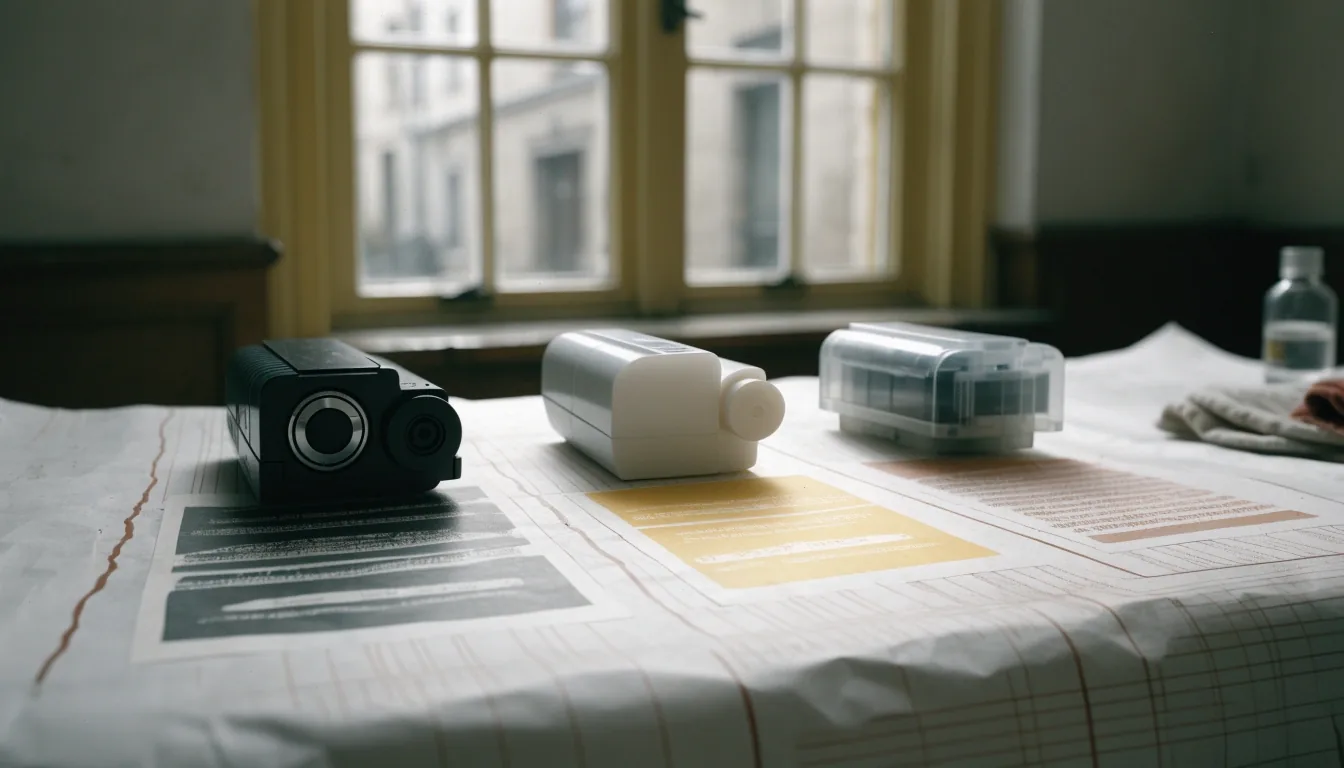
Three different ink cartridges laid in a row on damp newsprint on a study workbench, each beside its own banded test print, with a folded cloth and a bottle within reach.
Three makes, three test prints — the same streaks, in the same order the pages walk through them.

Our updating routine

Menus change, labels shift, pages get rechecked — and the old wording comes out.

We review the Cleaning Cycle Guide and the Manual Care and Handling pages whenever maker documentation is revised. References dated October 2026, including Ireland-focused refilling and troubleshooting pages, are rechecked for wording changes before we cite them. When a page is updated, the text reflects the current menu names and precautions. Older advice that no longer matches is removed rather than left as a footnote.

What we will not tell you to do

We do not advise alcohol, tap water with minerals, heat, or forceful blowing on printheads. We do not suggest opening sealed cartridge parts or bypassing waste ink warnings. Manual printhead cleaning is presented only for deteriorated print quality after the software steps have been tried — consistent with the approach on The Cartridge Expert refilling page from October 2026. Limits are stated inside the guides, not buried at the end.

How Irish context shapes the copy

Examples assume printers bought and used in Ireland, with paper sizes, power, and recycling routes you will actually find here. We mention Sandyford, Dublin 18 as our base so you know where the guidance is written. For disposal, we point to local options such as sending cartridges in for recycling where the service notes a minimal fee. No cross-border mailing advice, no unfamiliar store chains.

Where to reach us

Phone +353 1 295 8432 for questions about the guidance itself. For written enquiries, use the Contact page form and mention your printer model and the test pattern you see. We answer questions about how to follow the guides. We do not diagnose hardware faults by phone beyond what the guides cover.

A short shelf of plain printer manuals and a fa brown binder with an empty cartridge resting in front of them as a paperweight.
The library behind the site: maker documentation, checked pages, and one cartridge that has done its time.

How to use the guides in order

Walk the bench: software first, hand second, decides last.

Every page on the site sits somewhere on one walk along the bench. Following that order is the difference between fixing a streak in twenty minutes and making it worse in five.

  1. 01
    Cleaning Cycle Guide

    Software steps and nozzle checks. Start here for almost every print-quality problem.

  2. 02
    Manual Care and Handling

    Only if the software steps have not worked. Distilled water, a foam-rubber swab, and a lint-free cloth — nothing exotic on the bench.

  3. 03
    Troubleshooting Print Quality

    Read test patterns and decide whether to repeat, pause, or stop. This is the page that tells you when to give up.

  4. 04
    Refill and Recycling in Ireland

    Expiration date checks and local disposal. Where the walk ends.

If a step does not match your model, tell us. That is the one request we always answer with a rewrite rather than a workaround.

Where to reach us

One desk in Sandyford, one phone line, one page that gets rewritten when you tell us it is wrong.

We answer questions about how to follow the guides — the order of steps, the reading of a test pattern, the disposal route that fits where you live. We do not diagnose hardware faults by phone beyond what the guides already cover, and we do not guess at models we have not written about.

Written from

Top Up Ink Solutions
Unit 4B, Sandyford Business Park
Blackthorn Road, Sandyford
Dublin 18, D18 E7P2, Ireland

Phone and hours

+353 1 295 8432
Monday–Friday: 9:00 AM – 6:00 PM

Written enquiries

Use the Contact page form and mention your printer model and the test pattern you see.