Top Up Ink Solutions Top Up Ink Solutions
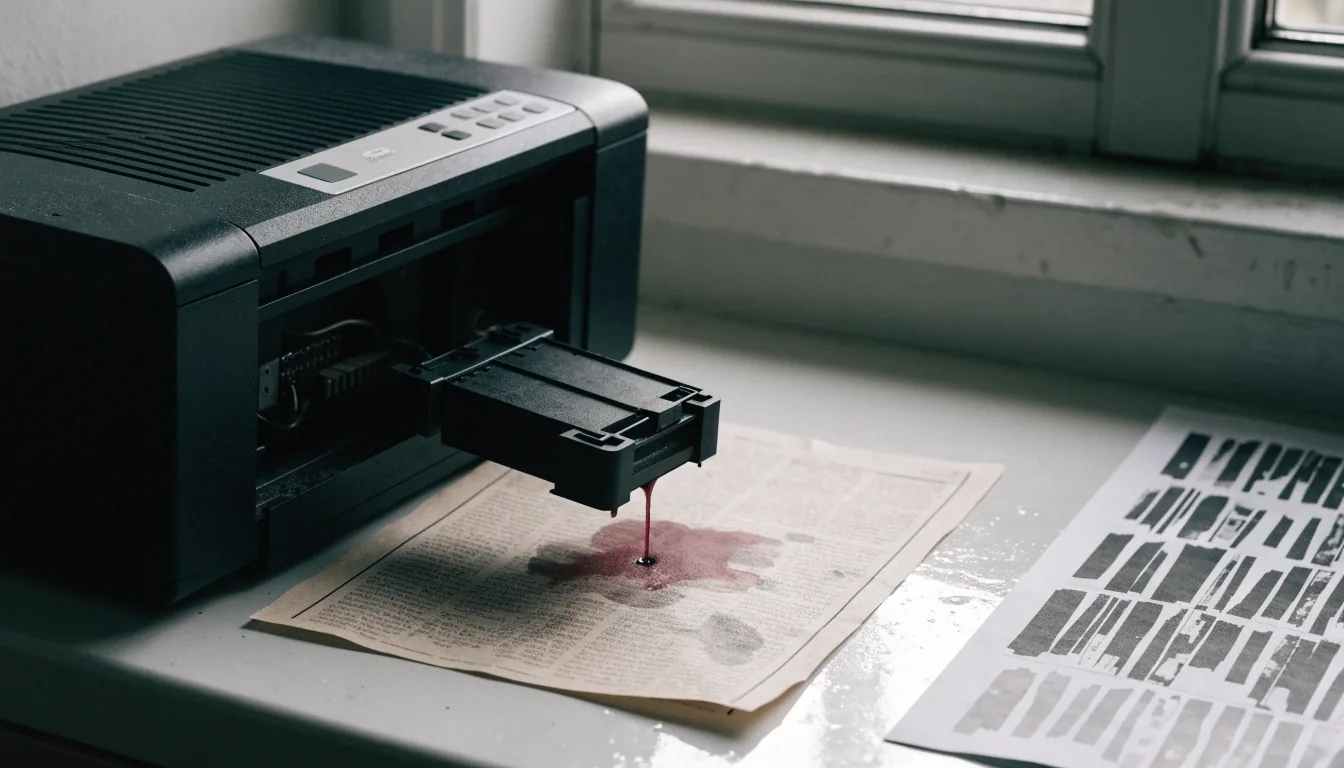
A damp morning kitchen worktop in Dublin with an ink cartridge resting on newsprint beside a printer and a streaky test print.

Sandyford, Dublin 18 · beginner course

Keep your prints clear without harming cartridges

An evening-course register for printer owners in Ireland: the six maintenance stations in the order the bench itself uses them, from a built-in cleaning cycle to the test print that tells you it worked.

Why this workshop exists

Streaky prints? Start with safe cleaning, not a new cartridge

Top Up Ink Solutions is an educational resource from Sandyford, Dublin 18, for printer owners in Ireland who want to keep ink cartridges printing clearly. We explain ink cartridge maintenance and cleaning in plain steps, from built-in cleaning cycles and nozzle checks to careful manual handling. You will find what to try first, what to avoid, and when a cartridge is finished and ready for recycling.

If your pages come out with lines, missing colours, or faded text, it is not always time for a new cartridge. Many issues come from a blocked nozzle, a dried printhead, or a printer that sat unused for weeks. This site walks through checks in the right order, so you do not waste ink or damage parts. Every guide stays practical for home printers in Ireland, and we name the exact tools and menus where it matters.

The bench order flush → swab → nozzle check
Then waste ink → refill → test print
Where to start Cleaning Cycle Guide

Six stations, one bench order

Try software cleaning before you touch anything

Each station steps one tone deeper, in the order the bench itself uses its tools. Open the one that matches what your test print is showing you.

Flush — the built-in cleaning cycle

Run first, before anything touches the cartridge

The printer built-in cleaning cycle is the first-line fix across major inkjet brands. You usually run it from the printer menu, the printer app, or printer assistant software on a computer. It pushes a small amount of ink through to clear mild clogs. Pair it with a nozzle check or test print to see if lines have improved before you run it again.

Where the cycle lives

On some printers the action sits under a printer ink management menu in software, with choices for black, colour, or all printheads. That helps when only one colour is weak. Our separate walkthrough shows how to use those options and read the result.

Read the Cleaning Cycle Guide

Swab — distilled water and a foam-rubber tip

Only if quality has clearly deteriorated

Manual care is short and careful work. Use distilled water with a foam-rubber swab and a lint-free cloth, and use no alcohol on the printhead area. Keep the cartridge upright, touch only the sides, and do not leave ink cartridges out of the printer for more than 30 minutes at a time. That 30-minute limit helps reduce drying.

One-direction pass

A swab crosses the printhead in one direction only, with the lint-free cloth folded at the edge of the bench. Full handling steps, including the out-of-printer time limit, sit on the Manual Care and Handling page.

Manual Care and Handling

Nozzle Check — read what the test print is telling you

Cross-banded lines, gaps, one weak colour

A nozzle check pattern shows gaps and colour shifts more honestly than a normal document. Horizontal white lines often point to a blocked nozzle that needs another cycle. A whole missing colour can mean low ink, an expiration date issue, or a seal that was never fully opened. Keep one or two recent test prints for comparison so you can see a change instead of guessing at it.

Reading the sheet

Match the pattern to the next step instead of repeating the cycle out of habit. The Troubleshooting Print Quality page explains what streaks, weak colour, and waste ink alerts each point to.

Troubleshooting Print Quality

Waste Ink — why fading does not mean the cartridge is dead

Diagnose before you replace parts

Fading and streaking are something to diagnose before replacing parts, and that habit saves money. Check ink levels, paper settings, and alignment before you assume a hardware fault. Manual printhead cleaning is worth doing only when quality has clearly deteriorated. The order here is the same: clean for a reason, not out of habit.

Idle printers dry faster

Printers that sit unused dry out faster, especially in warm rooms. Maintenance cartridges can seal printheads when not in use, which is part of normal cartridge maintenance. If your printer was off for weeks, run a nozzle check first and one cleaning cycle — not three in a row — and let the printer rest a few minutes between cycles.

Refill — checks first, and one small physical fix

Only when the cartridge is otherwise in date

Refilling can make sense, but only after checks on compatibility, expiration date, and printhead condition. A cartridge with cracked housing, leaking seals, or persistent missing colours after proper cleaning is usually beyond service. If you can see a thin sticky film over the fill opening, a gentle pierce with a toothpick sometimes helps — do not force it and do not widen the opening, and if ink still does not flow evenly, move to diagnosis rather than repeated poking.

Out-of-printer timer

Keep a cartridge out of the printer for no more than 30 minutes at a time. Longer exposure increases drying and handling risk.

30 min

safe refitting window

Test Print — the answer you keep on the bench

Print, compare, then decide

The closing station is a test print you keep. One or two recent sheets let you judge the flush by comparison instead of memory, and they show you when the answer is replacement rather than another cycle. If a cartridge shows leaks, cracks, or expired ink, or test prints do not improve after correct cycles and careful manual steps, replacement and recycling is the sensible path.

Stopping point

You will not find aggressive cleaning liquids, heat methods, or forceful air here. We do not soak electrical contacts or leave cartridges exposed on a desk. When cleaning stops improving the test print, we say so plainly and point to replacement or recycling.

The same job, two ways

The menu does the first pass. Your hand does the second.

Most cartridge maintenance happens inside the printer's own maintenance menu, and only a few things need a swab in your hand. Here is where each one applies.

Close view of an inkjet printer's own control panel with an unreadable maintenance screen lit.
  • Stays inside the printer — nothing is opened.software
  • Targets black, one colour, or all printheads.software
  • Uses a small amount of ink per cycle.software
  • Answer appears on the next nozzle check.software
Read the Cleaning Cycle Guide
A hand holding a foam-rubber swab mid-pass across an inkjet printhead with a folded cloth on the bench.
  • Only after the software pass shows little change.by hand
  • Distilled water, foam-rubber swab, lint-free cloth.by hand
  • One direction only, contacts kept dry.by hand
  • Capped at 30 minutes out of the printer.by hand
Manual Care and Handling

The outward hand-off

Refill checks and end-of-life choices in Ireland

A cartridge that has had a fair diagnosis is either worth keeping in service or ready to leave the bench. Here is how that decision goes in Ireland.

Route 1 — back into the printer

When the housing is sound, the seals are dry, the ink is in date, and the nozzle check cleans up, the cartridge goes back into service after a refill. Compatibility with your model is the first check.

Check first compatibility
Then printhead condition

Route 2 — beyond service

Cracked housing, leaking seals, or persistent missing colours after proper cleaning usually means the cartridge is beyond service. Stop refilling and check the recycling route before the bench gets messier.

Stop if cracks or leaks
Also stop if expired ink

Route 3 — local recycling in Ireland

Used cartridges in Ireland can be sent in through services such as Kavanagh Recycling, which notes a minimal fee. Our Refill and Recycling page explains how to sort working cartridges from finished ones before you box them.

Sort by condition
Send by local post

Sorting working cartridges from finished ones is the whole job. Follow the checks in order and the box leaves the bench with a clear answer.

Find refill and recycling options in Ireland
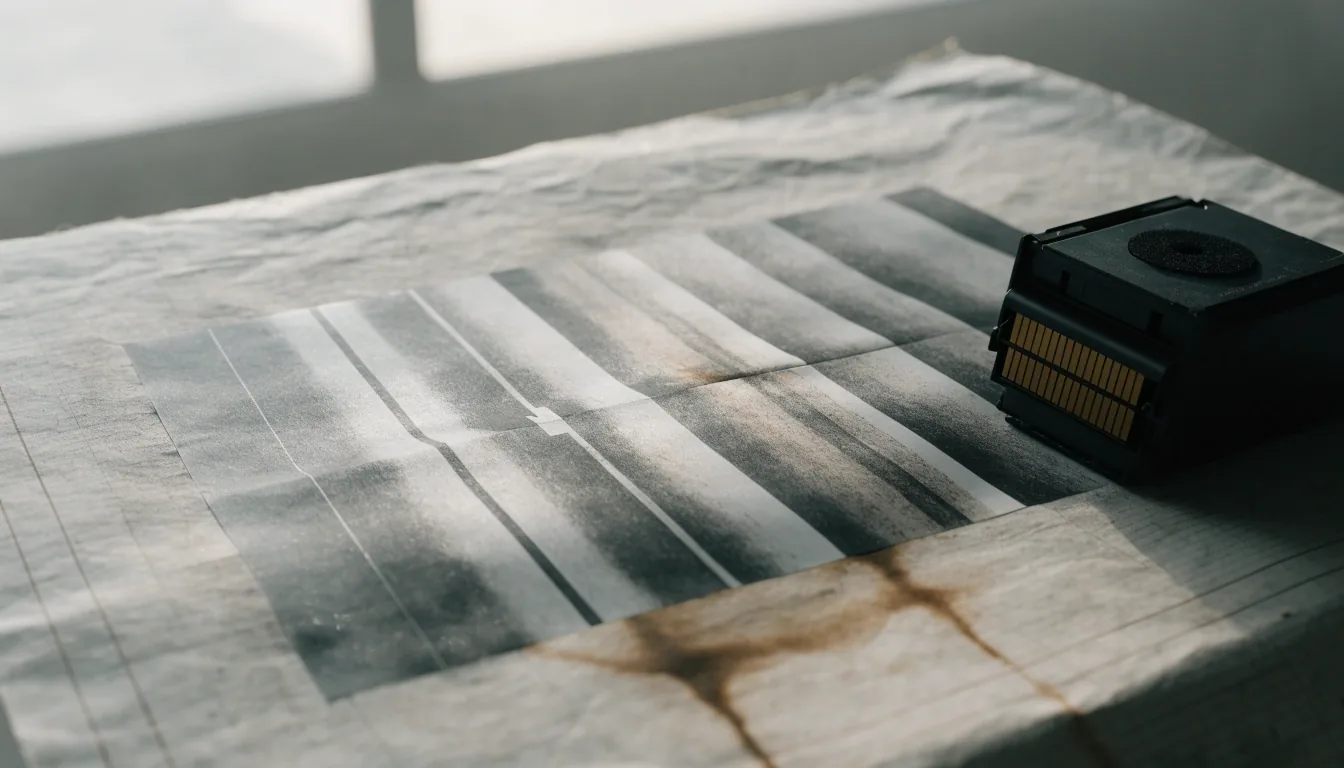
A close view of a test print with broken colour bands on newsprint beside the cartridge that printed it.

How we prepare and update

Guides written for the printers Irish homes actually own

We write for the models commonly used in Irish homes and small offices, and we keep the steps aligned with manufacturer maintenance functions. When maker guidance changes, we revise the affected page and note the timing. The HP printhead cleaning article referenced here was published in July 2026 and updated in November 2026.

About Us explains who maintains Top Up Ink Solutions at Unit 4B, Sandyford Business Park, Blackthorn Road, Sandyford, Dublin 18. Questions are welcome through the Contact page on +353 1 295 8432.

Why idle printers need gentle revival

A printer left off for weeks is drier than a used one

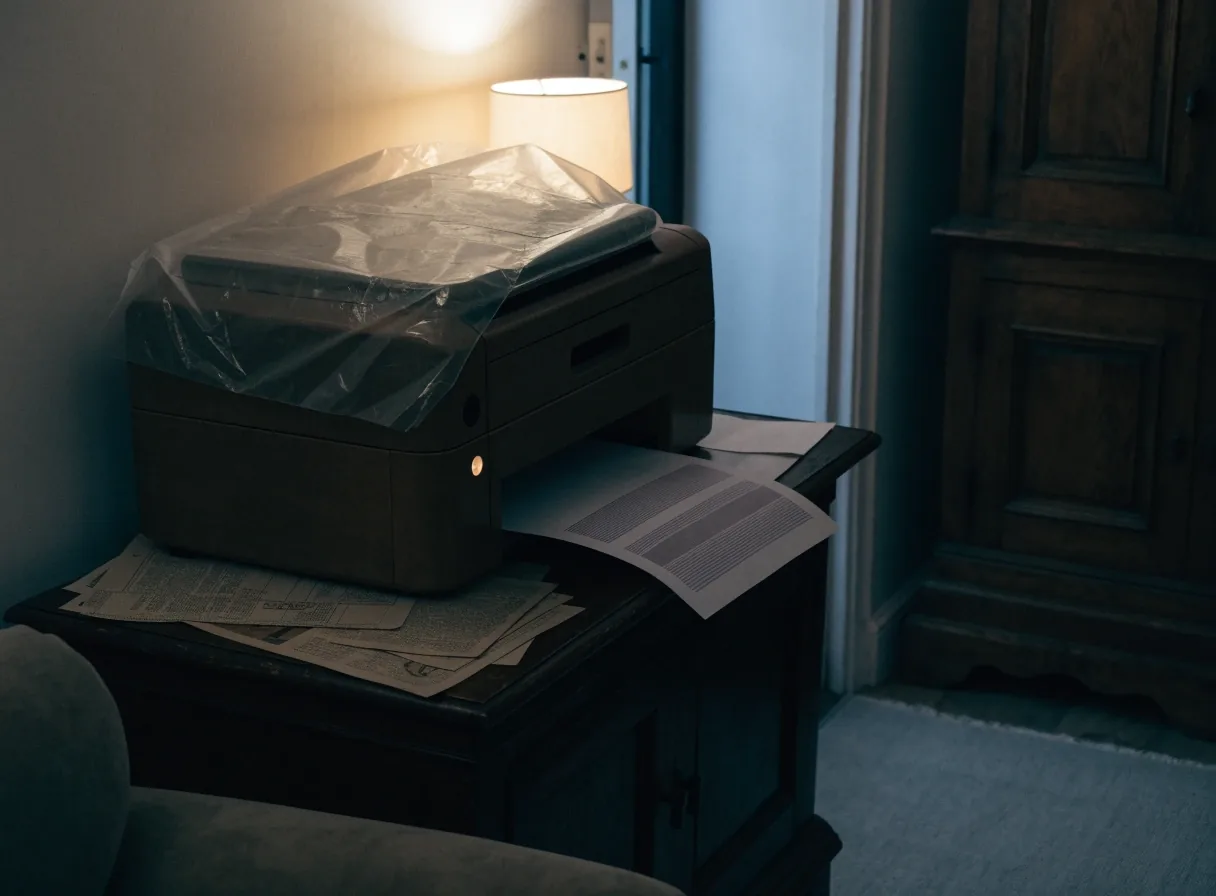
A quiet spell is the usual trigger for the streaky print, not a bad cartridge. Maintenance cartridges seal printheads when the machine is not in use, which is part of normal cartridge maintenance, and they can only hold the moisture so long in a warm room. If your printer sat for a month, expect to run a nozzle check first and one cleaning cycle — not three in a row — and let the printer rest a few minutes between cycles. Forcing repeated cycles uses ink and rarely clears a hard clog faster.

The Refill and Recycling guide and the Troubleshooting page both start from this same habit: slow the pace down and read what the printer is actually telling you before changing anything.

An idle dust-covered printer on a sideboard at dusk with a faintly banded sheet in its output tray.

Questions we hear at the bench

The four answers that keep people from damaging a cartridge

Most maintenance damage comes from doing the right thing in the wrong order. These are the questions that come up most often on the site.

Should I clean the cartridge itself, or run the built-in cycle first?

Run the built-in cycle first, then print a nozzle check. Manual cleaning comes only if quality has clearly deteriorated and the software steps show little change.

What is the safest liquid to use on a printhead?

Distilled water with a foam-rubber swab and a lint-free cloth, and no alcohol. Use a light touch and keep electrical contacts dry.

How long can a cartridge stay out of the printer?

No more than 30 minutes at a time. Longer exposure increases drying and handling risk.

When is a cartridge beyond cleaning?

When test prints show no improvement after correct cycles and careful manual steps, or when you see leaks, cracks, or expired ink. At that point replacement and recycling is the sensible path.

Where the work happens

Top Up Ink Solutions is maintained from a workshop at Unit 4B, Sandyford Business Park, Blackthorn Road, Sandyford, Dublin 18, D18 E7P2. Opening hours: Monday to Friday, 9:00 AM to 6:00 PM. Telephone +353 1 295 8432, or write to [email protected].

Ask a cartridge care question